If you train at Orangetheory, you know the rhythm of class: the treadmill block, the rower, the weight floor, and that glowing screen on the wall showing your name in green, orange, or red depending on what your heart is doing. For years that readout depended on a proprietary chest strap or arm band, the OTbeat monitor. Now, a big change has arrived. Orangetheory opened its performance tracking system to a device millions already own, the Apple Watch, through a service called OTconnect. This article explains exactly what the new integration does, what it costs, which watches work, and how to decide whether it is worth switching from the branded monitor.
What the Apple Watch Integration Actually Does
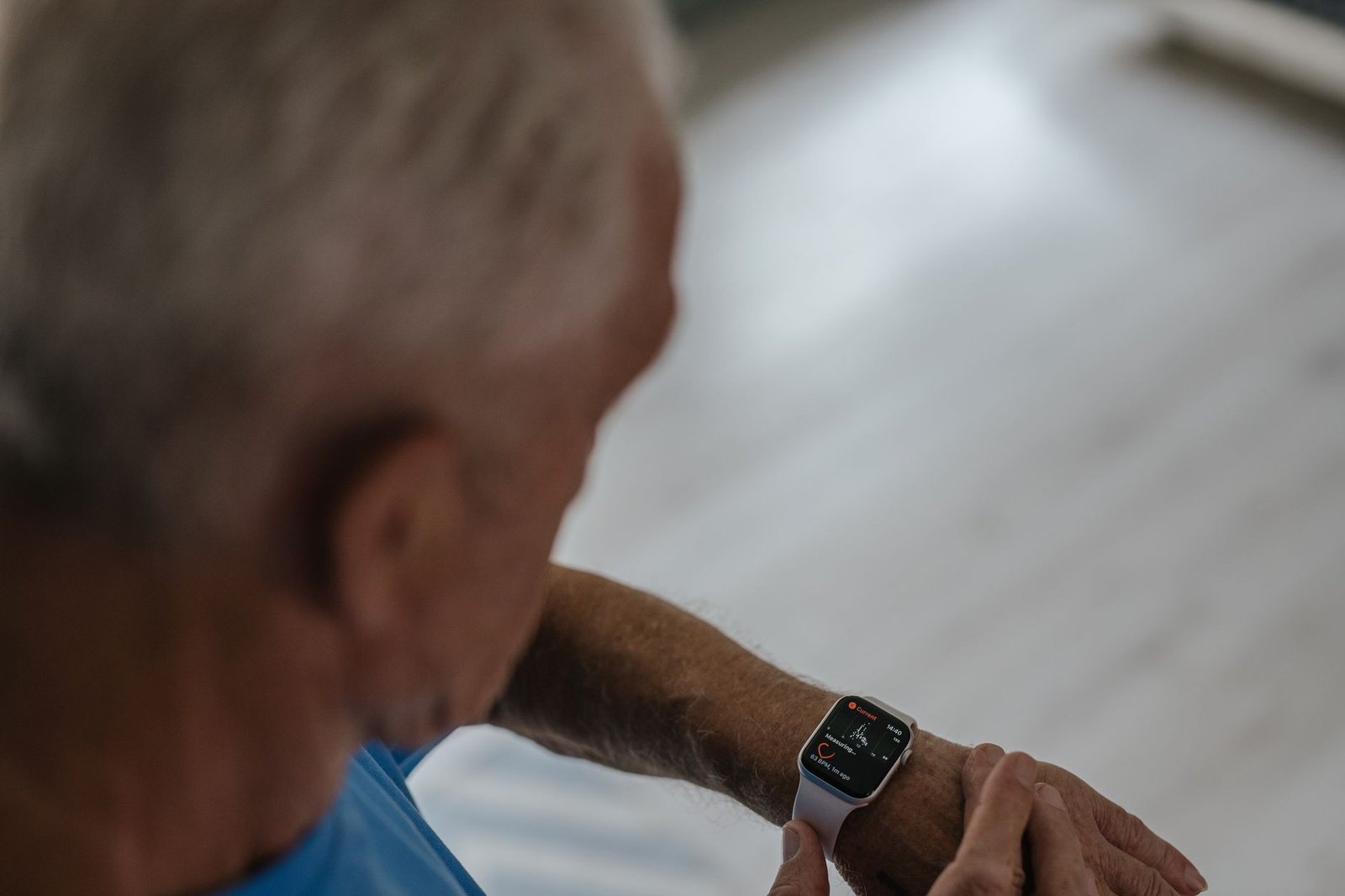
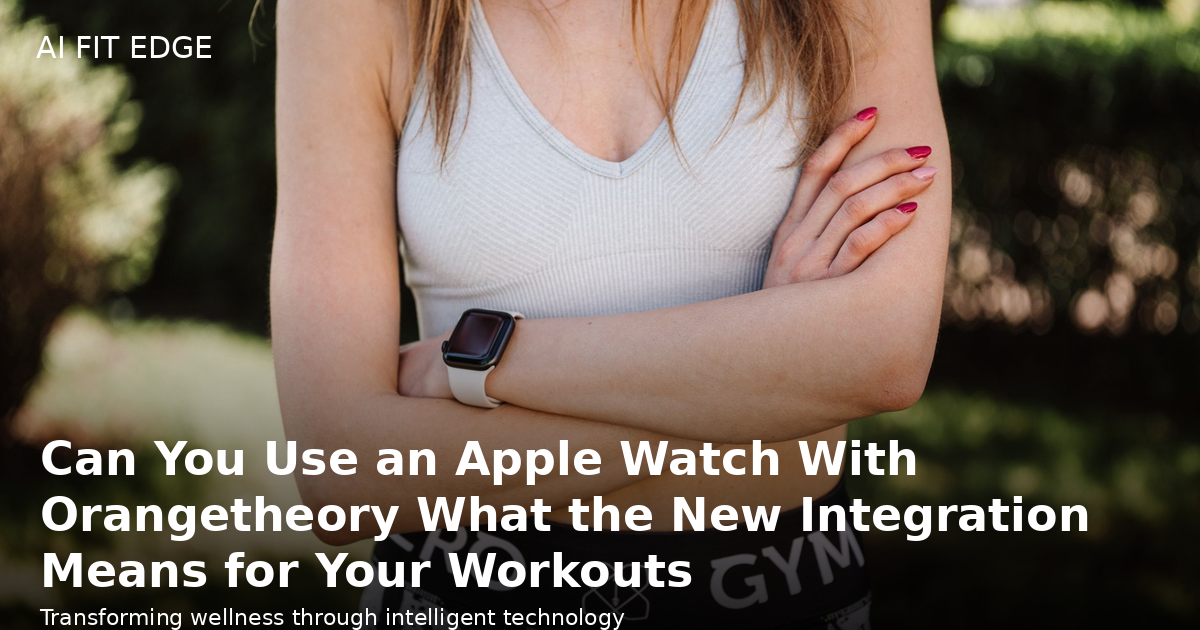
The headline is simple. Beginning Friday, members at participating studios in the United States can link their Apple Watch to Orangetheory’s performance tracking system for a one time fee of 99 dollars. Once connected, the watch takes over the job your OTbeat monitor used to do, feeding live metrics to the studio screens and to your post class summary.
Here is what you can see from your wrist during class:
- Your heart rate in real time, updated continuously rather than sampled at awkward moments.
- Your heart rate zone, so you know at a glance whether you are in the green, orange, or red effort level.
- Calories burned, shown live as the class progresses.
- Splat Points, the signature Orangetheory metric that counts the time you spend in the elevated heart rate zone.
After the workout, your Apple Watch carries a performance summary, and the Orangetheory app adds richer analysis and personalized insights. In plain terms, the watch is not just a standalone fitness tracker anymore. It becomes the sensor that drives the whole Orangetheory data experience.
How This Fits the Wearables Boom
This launch is not an isolated product change. It is part of a broader shift where wearables have become the centerpiece of modern fitness. The American College of Sports Medicine has ranked wearables as the number one fitness trend for 2027, the tenth time the category has claimed the top spot. When a giant boutique chain lets members bring their own device instead of forcing them to buy branded hardware, it is acknowledging where the market is going.
Several things are happening at once. People trust the device they already wear every day more than a new strap they only put on in class. The health data from an Apple Watch is richer than a simple heart rate readout, covering sleep, recovery, resting heart rate, and activity trends. And members increasingly want one continuous record of their health, not a patchwork of separate apps and sensors.
Orangetheory clearly sees this too. The launch builds on its broader investment in connected fitness, including a newer feature called Trends that tracks your progress across key workout metrics over time. By accepting the Apple Watch, the brand turns the most popular wearable on the market into an entry point for its own ecosystem.
What You Need to Make It Work
Before you get excited, check compatibility. The integration is not available on every Apple Watch. Here is what Orangetheory requires:
- watchOS 11.6 or later installed on your watch.
- An Apple Watch Series 6 or newer, or any Apple Watch SE or Ultra model.
- Membership at a participating studio in the United States.
If you have an older Series 5 or earlier, or a watch that cannot update to watchOS 11.6, the integration will not work for you. That is a real limitation worth checking before you pay the fee.
The $99 charge is a one time activation fee, not a subscription, at least as announced. That positions the Apple Watch option as an upsell rather than a free upgrade. It is worth weighing the 99 dollars against what the branded monitor would cost you, especially if you already bought an OTbeat band. For a member who already owns a compatible watch and does not want to buy, maintain, and charge a second piece of hardware, the fee can still be a good deal. For someone on a strict budget, it is a real decision rather than an automatic yes.
Apple Watch vs the OTBbeat Heart Rate Monitor
If you have been training with the proprietary OTbeat monitor and it works fine, you might be wondering whether switching makes sense. The answer depends on what you value.
Why you might switch to your Apple Watch
- One device instead of two. You already wear the watch, so you stop thinking about carrying, charging, and remembering a separate monitor.
- Continuous data quality. A well fitted watch tracks your heart rate stream, and modern sensors from the Series 6 onward are accurate for steady state and interval work.
- A unified health record. Your workout data flows into Apple Health, giving you one longitudinal picture of sleep, recovery, and training load.
- Free Apple Music and Apple Fitness+ perks. Members who activate the integration get up to two free months of both services, a modest bonus.
Why you might keep the OTbeat band
- Accuracy and fit during intense intervals. A chest strap or a purpose built arm band is often more reliable than a wrist optical sensor when you are doing explosive rower and weight floor work.
- No upfront fee. The branded monitor is hardware you likely already own, so this move costs nothing.
- Studio compatibility. The specific sensor pairing is already proven at every location.
- Battery freedom. Your phone and watch batteries are precious; a dedicated monitor means your main device stays charged.
The honest advice is that both paths work. The Apple Watch is the smarter long term choice for someone who wants one continuous data stream and owns a recent watch. The branded band is still the better pick for someone who cares most about peak workout accuracy and does not want to spend the activation fee.
What to Watch Out For
The integration is genuinely useful, but it is not magic. Here are the practical cautions you should apply before and during your first class with the watch.
- Confirm your studio participates. The announcement specifies participating studios in the United States, so not every location is live on day one. Call ahead or check the app.
- Verify your watch model can run watchOS 11.6. Older hardware is excluded, and no amount of software tweaking changes that.
- Set the motion and fitness tracking permission correctly in the watch app. If the sensors are not permitted to read your heart rate continuously, the readout on the wall will be misleading or blank.
- Choose the right band and fit. A loose or sliding watch face wrecks optical heart rate accuracy. Tighten the band for class, especially during rowing, where wrist movement is constant.
- Do not expect the extra member benefits to change the core experience. Apple Music and Fitness+ are fun perks, but they are not the reason most people train.
- Watch the battery. A long class plus music streaming plus all day tracking is a heavy workload, and an older battery may not make it.
How to Get the Most Out of the Data
Live heart rate is only valuable if you act on it. Here is a practical playbook for turning the new integration into better training.
- Learn your base, push, and all out effort zones. Orangetheory coaches refer to these constantly, and the watch now makes them visible in real time.
- Use Splat Points as a guide, not a goal. The objective is quality time in the right zone, not chasing a bigger number every single day.
- Check your resting heart rate and recovery trend in the morning. If your baseline is drifting upward, it is a sign you are tired and may need an easier day.
- Pair the watch data with the Trend features in the app to spot plateaus. When your calories and splat points stay flat for weeks, that is a cue to change your workout focus or add recovery.
- Sync to Apple Health and let your sleep and heart rate variability tell the recovery story that the workout alone cannot.
- Be honest about what a single class tells you. The real signal appears over weeks and months, so resist overreacting to one low day.
Is It Worth the 99 Dollar Fee?
There is no single correct answer, but the decision becomes clear once you state your situation. If you already own a compatible Apple Watch and you want a single, accurate, unified health record that extends beyond the studio, the 99 dollars is a reasonable investment that eliminates the hassle of a second device. If you are on a budget, have an older watch, or already own an OTbeat band that works perfectly, you can comfortably keep training with the hardware you have.
The bigger story is the direction of the fitness industry. Bringing your own smartwatch to a boutique studio and having it recognized as a first class sensor is a preview of how training will work going forward. Data lives on the device you already love, the studio becomes a smarter coach, and the line between a casual fitness tracker and a serious training tool keeps blurring. That is good news for anyone who wants their workouts to be measured, understood, and improved over time.
If you train at Orangetheory and own a recent Apple Watch, the practical move is to confirm your studio participates, check your watch model, and decide whether the one time fee fits your goals. For most members, the answer will be yes, because the value is not the gadget. It is that your most personal health data finally works in harmony with the coach in the room.