When most people picture fitness tracking, they imagine a smartwatch strapped to a wrist or a sleek ring on a finger. But the truth is that the smartphone already sitting in your pocket carries the sensors, the camera, and the artificial intelligence needed to run a surprisingly capable training and health setup. This guide looks at what a phone can realistically do on its own, where it genuinely falls short against purpose built hardware, and which kinds of free AI apps actually earn their place on your home screen.
What Your Phone Can Really Measure Without Any Extra Hardware
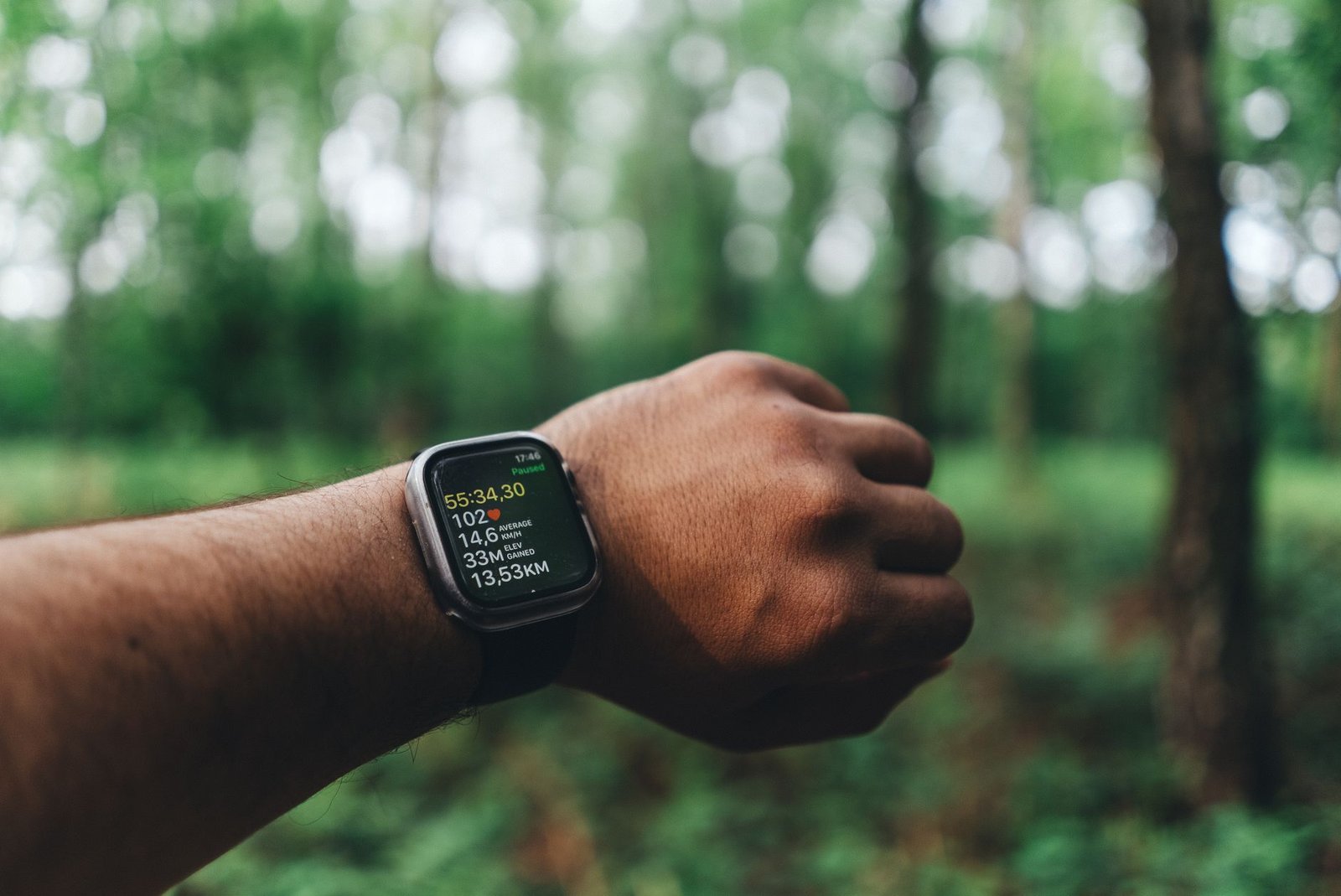
Modern phones bundle an impressive array of sensors that many of us never think about. The accelerometer and gyroscope sense motion in every direction, a GPS receiver calculates exact position outdoors, a barometer reads changes in air pressure, and the camera plus microphones handle visual and audio input. Together these turn your phone into a general purpose body sensor, and the AI layer on top of them is what makes the information usable.
The accelerometer and gyroscope are the very same components a smartwatch leans on to count steps and detect when you are moving. That means step counting and basic activity detection work well right out of the box, with no extra gadget required. Your phone knows when you stand up, walk, run, climb, and settle down, and it records those patterns continuously all day, just like a tracker would.
For outdoor cardio, GPS turns your phone into an accurate running and cycling computer. It measures distance, pace, elevation gain, and your full route, and it does so without any pairing. For most recreational runners, a phone held in a pocket or strapped to an arm gives results that are close enough to a dedicated watch that the difference rarely matters.
Here is a realistic list of what you can track with a phone alone:
- Steps, distance, and calories burned during the day
- Running, walking, and cycling pace, distance, route, and elevation
- Workout duration and consistency across the week
- Completed repetitions and sets when you use camera based counting
- Exercise form and range of motion when you use pose analysis
- Meal photos, food estimates, and nutrition totals
- Rough sleep duration using motion and sound detection
How AI Turns Your Camera Into a Personal Trainer
The camera is the biggest differentiator between a phone and a wristband, because no wearable can watch your body the way a phone can. Camera based pose estimation is a form of computer vision that builds a digital skeleton from your visible joints and angles. The AI app then checks that skeleton against the ideal position for a squat, pushup, lunge, or deadlift setup, and scores how close you come.
This unlocks three genuinely useful features. The first is automatic rep counting. Instead of tapping a button between each set, the app recognizes when you complete a full repetition from the motion alone, tallies your count, and tracks rest time for you. The second is form feedback. When your knees cave inward, your lower back rounds, or your hips shoot up too early, the app flags the fault and prompts a correction in real time. The third is structured programming, where the same vision data feeds a workout plan that progresses your weight and volume over weeks.
For anyone who trains at home alone, this is the closest thing to having a coach watch every set. A few practical tips make it work reliably:
- Set the phone on a shelf or tripod at roughly hip height, about six to ten feet away.
- Frame your whole body in the shot, especially your feet and head, before you start.
- Use a well lit room and avoid standing with a bright window directly behind you.
- Start with one exercise until the app tracks you consistently, then add more.
- Clean the lens and lock the screen orientation so the image never shifts midset.
Be honest about the limits. These systems perform best on big, slow, well lit movements like squats, pushups, rows, and presses. They can struggle with fast explosive lifts, heavy olympic snatches, or a dark basement gym, where the camera simply cannot see enough to judge your position.
Photo Logging and AI Nutrition Tracking
One of the most friction free breakthroughs in fitness apps is photo based food logging. Snap a picture of your plate, and the AI identifies the foods, estimates portions, and totals the calories and macros for you. This removes the tedious manual entry that causes most people to abandon calorie tracking within a few weeks, which is exactly why photo logging tends to stick.
The technology is genuinely good at recognizing common foods, drinks, restaurant dishes, and typical portion sizes. A bowl of oatmeal with berries, a chicken burrito, or a slice of pizza are all well covered. What it still gets wrong is precision. Estimating exact portions by eye is hard for any system, and saucy mixed bowls, layered sandwiches, and homemade recipes become educated guesses rather than measurements. Treat the numbers as a helpful range, not an exact count.
To get the most out of photo logging, photograph your food before you take the first bite, place the plate on a contrasting surface so the edges are clear, and glance at the estimate after each meal so you catch any wild errors while the food is still in front of you. The value compounds over time because the app learns your eating patterns and can point out imbalances, like weeks where your protein runs low or your evening snacking spikes.
Sleep, Recovery, and Heart Rate Without Hardware
This is the section where honesty matters most. Without a wearable, you cannot get accurate continuous heart rate or proper overnight sleep staging. No amount of clever software changes that, because those signals require sensors pressed against skin or worn while you sleep.
What a phone can estimate is decent. Using the microphone and accelerometer, an app can detect when you fall asleep and wake up by recognizing stillness and breathing sounds, giving you a reasonable sleep duration and a rough sense of consistency across the week. For many people that is enough to spot a problem like chronically short nights.
Recovery is trickier. Some apps try to estimate your recovery score from workout load and sleep duration, but they lack the heart rate variability signal that makes advanced recovery metrics meaningful. That missing piece is why a phone based recovery score should be treated as a rough guide at best. You can measure your own pulse on demand by placing a finger over the phone camera, and some apps read the color change under your fingertip, but that only works when you sit still and ask, not continuously through the night.
So the honest rule is this. If sleep and recovery are your main goals, this is the one category where a wearable earns its place and a phone genuinely cannot match it.
What to Look For in a Free AI Fitness App
The app market is crowded, so it helps to know what separates a useful tool from a gimmick. Focus on the category that matches your goal rather than downloading five overlapping apps at once.
- Camera rep counters and pose trainers for home resistance training
- AI photo calorie loggers for nutrition awareness
- Workout plan generators that build and progress a program for you
- GPS run and walk coaches that work without a watch
- Simple habit and step trackers for consistency
Before you commit to any app, check four things. First, confirm the features you actually want are free and not locked behind a subscription. Second, make sure core tracking works offline, since you will not always have a signal at the gym. Third, see whether it shares data with Apple Health or Google Fit so everything stays in one place. Fourth, read the privacy policy. Any app that uses your camera should process frames on the device itself and state clearly whether it ever uploads or stores footage of your body. If an app cannot answer that question plainly, find another one.
Common Mistakes and Honest Caveats
Even good tools fail when used wrong. Here are the pitfalls that come up most often, so you can avoid them from day one.
- Expecting medical grade accuracy. A phone is a fine daily tracker, but it is not a medical device and should not be treated as one.
- Trusting every estimate. Food calories, burn rates, and recovery scores are all approximations built on generic models that do not know your body.
- Forgetting the battery. Continuous GPS and heavy camera use drain a phone fast, so carry a charger for long sessions.
- Setting up the camera poorly. A shaky, badly framed, or dark view makes form analysis useless, so fix the setup before you blame the app.
- Chasing a single number. Obsessing over steps or calories misses the bigger picture of strength, sleep, and how you actually feel.
Keep the end goal in mind. The point of tracking is to build a routine you can sustain, not to generate a perfect score. A tool you actually use every day beats a precise one you abandon after two weeks.
The Bottom Line on Wearables and Phone Only Training
Despite all of this, there are real reasons to buy hardware, and knowing them saves you money. If you train for endurance and want live heart rate zones during a run, a chest strap is more accurate than any phone and any optical wrist sensor. If overnight sleep staging and continuous heart rate variability matter to you, a ring or watch that records while you sleep is genuinely better than anything a phone can do. And if your sport needs hands free feedback while your phone stays safely in a locker, a watch solves that problem directly.
But if your goals are simpler, you can hold off. To count steps, log meals, run a guided home workout, check your form, and build a consistent habit, a modern phone plus one good AI app covers nearly all of it at no extra cost. A sensible rule of thumb is to start with what you already own, train with it for a month, and buy hardware only when you hit a specific limitation that your phone truly cannot solve.
You do not need a smartwatch to start getting real value from AI fitness. A phone alone can run your workouts, count your reps, check your form, log your meals, and guide your runs, all of it powered by artificial intelligence that improves every year. The genuine shortfall is narrow but real, limited mostly to continuous heart rate, accurate overnight sleep staging, and the recovery metrics that depend on them.
Start with the phone already in your pocket. Download one focused app, set up your camera once, and train for a few weeks. Most people find they get more than they expected. And if you reach a point where a wearable would clearly help, buy it then, with your eyes open about exactly why you need it.